Onboarding
This article will guide you through installing Afi SaaS Backup for Amazon Web Services for your AWS account to protect EC2 instances and PostgreSQL databases, including single-AZ RDS instances and multi-AZ (clustered) RDS and Aurora deployments.
You can learn more about Afi's backup and recovery features here and get an overview of Afi account setup as well as product use cases here.
Info
You need to have AWS IAM administrator access to role and policy configuration to onboard an AWS account in Afi.
Installation Steps
Log in and create an account
Go to the Afi sign-up page and log in to the Afi portal with your Microsoft 365 or Google user account to create an Afi organization account (this user will be selected as an Afi organization administrator).
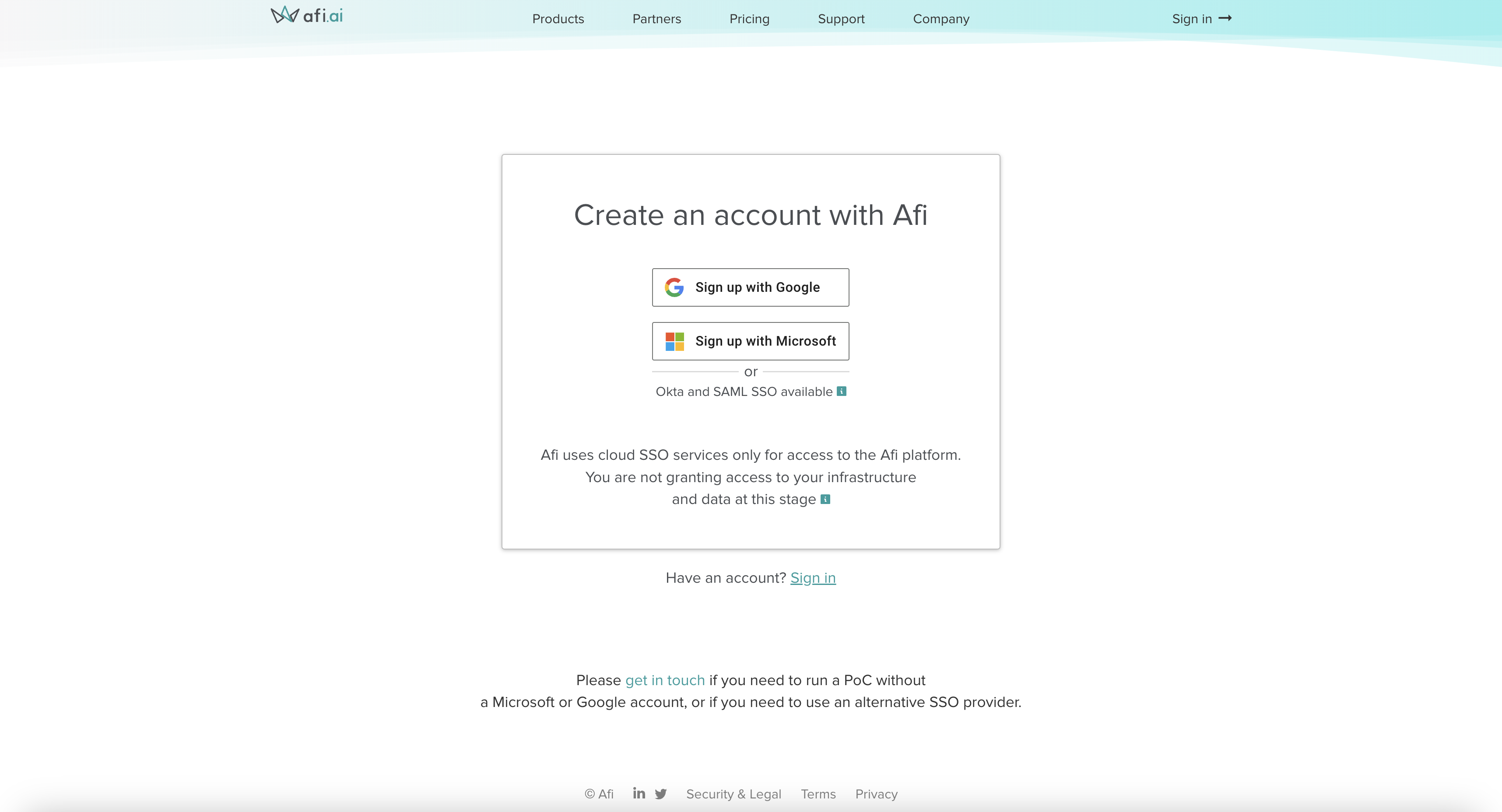
Create an Afi organization account:
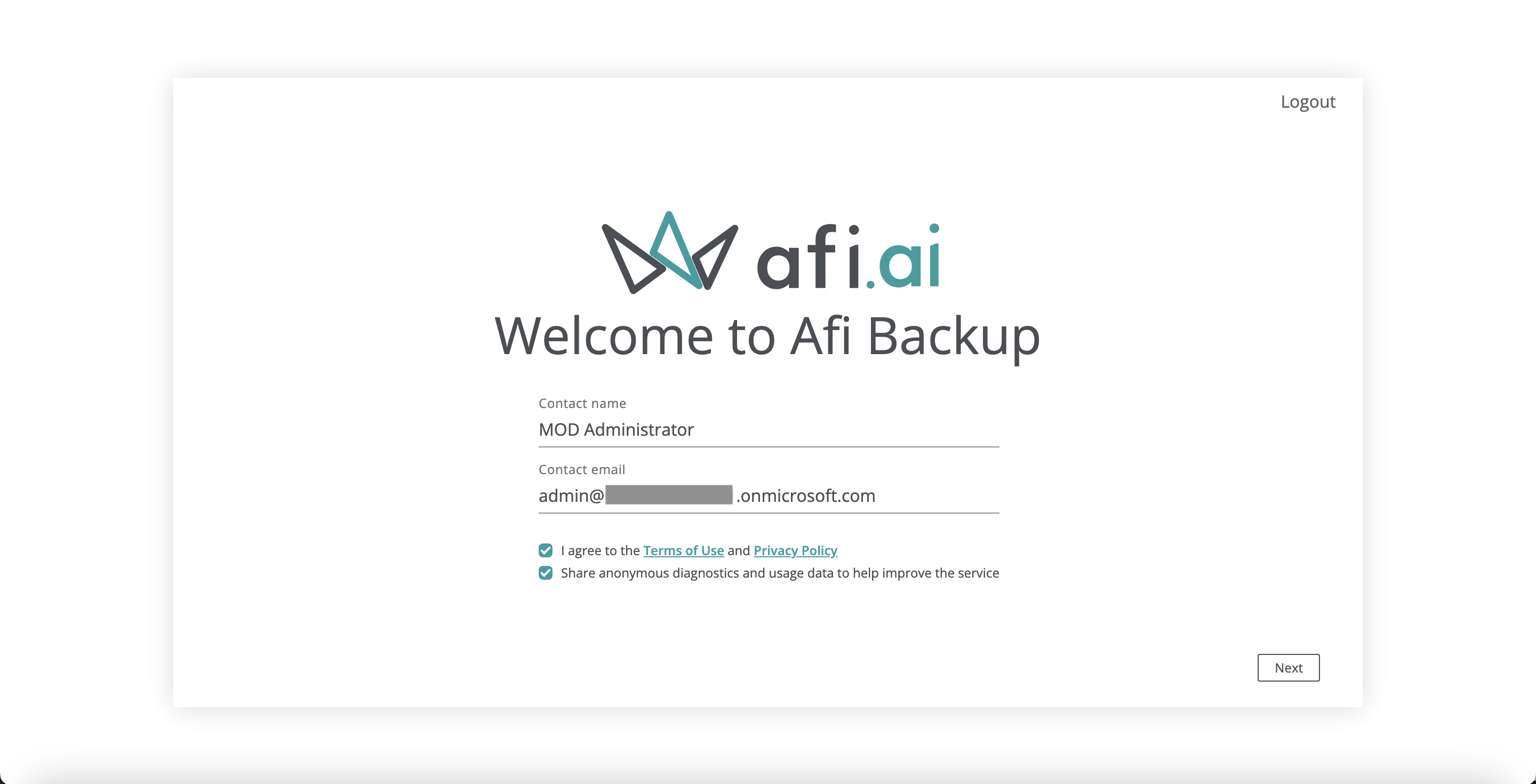
Grant access to the AWS tenant
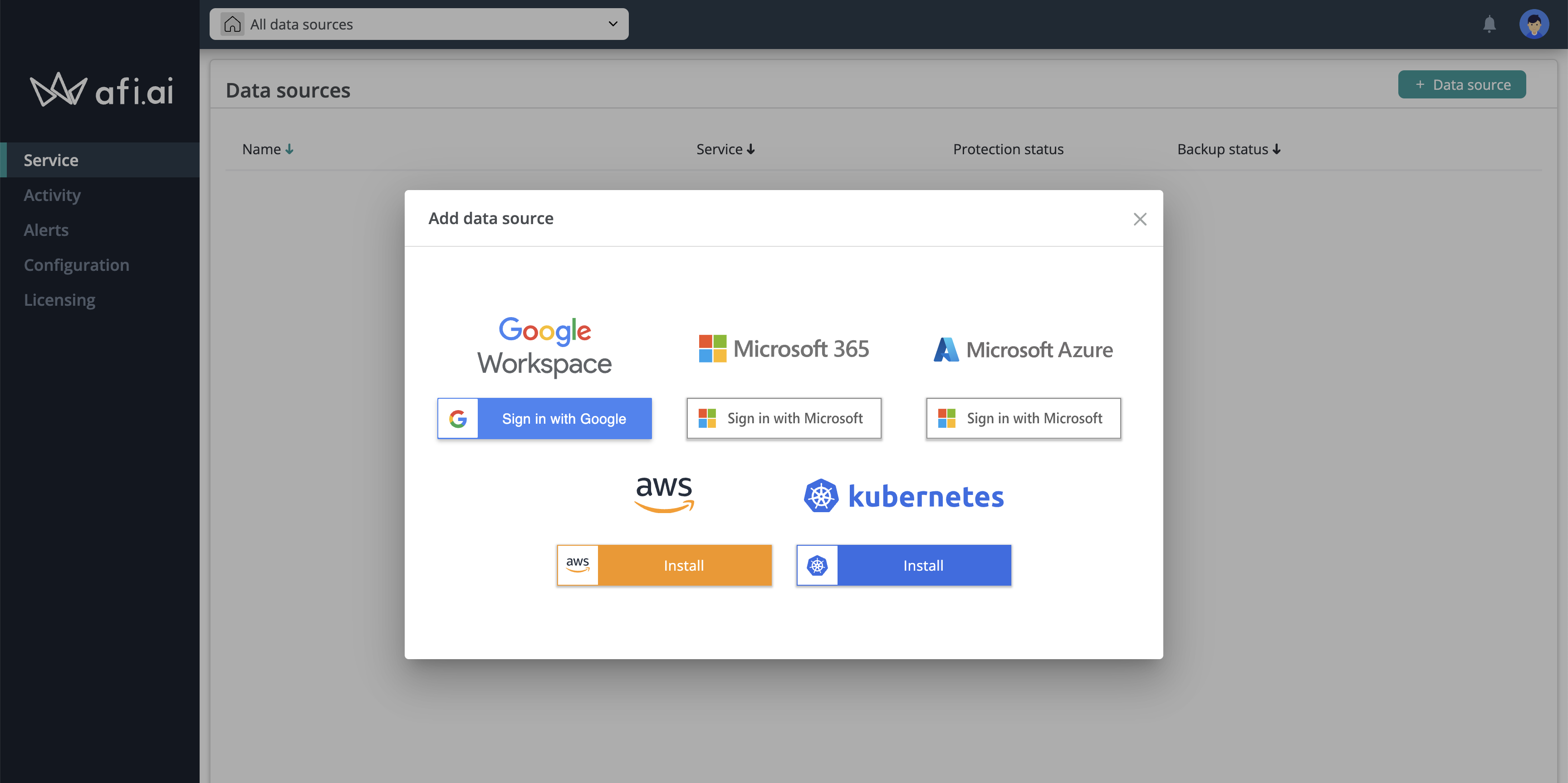
After creating an Afi account, you will be redirected to the Afi portal and prompted to add your first data source (tenant). Please select the AWS option to launch the AWS onboarding wizard.
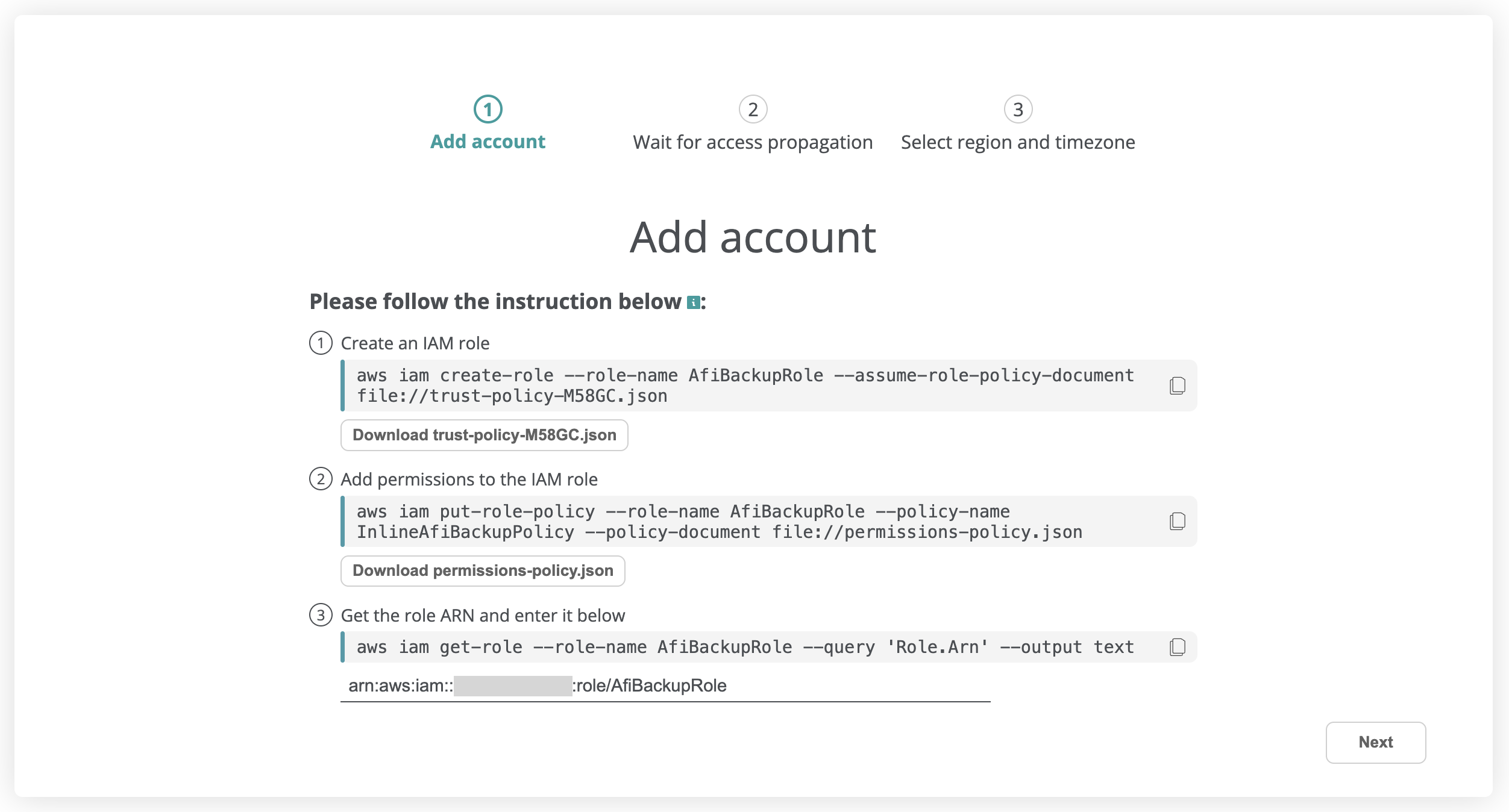
The first step in the AWS onboarding wizard is to create a custom AWS IAM role that Afi will assume to access the account, add permissions to this role, then enter the role's ARN in the wizard input field and press Next. Please use the CLI commands and JSON configuration files provided by Afi to create and configure the role.
Info
You can install the aws CLI tool to run the commands provided by the onboarding wizard as described in the following AWS guide.
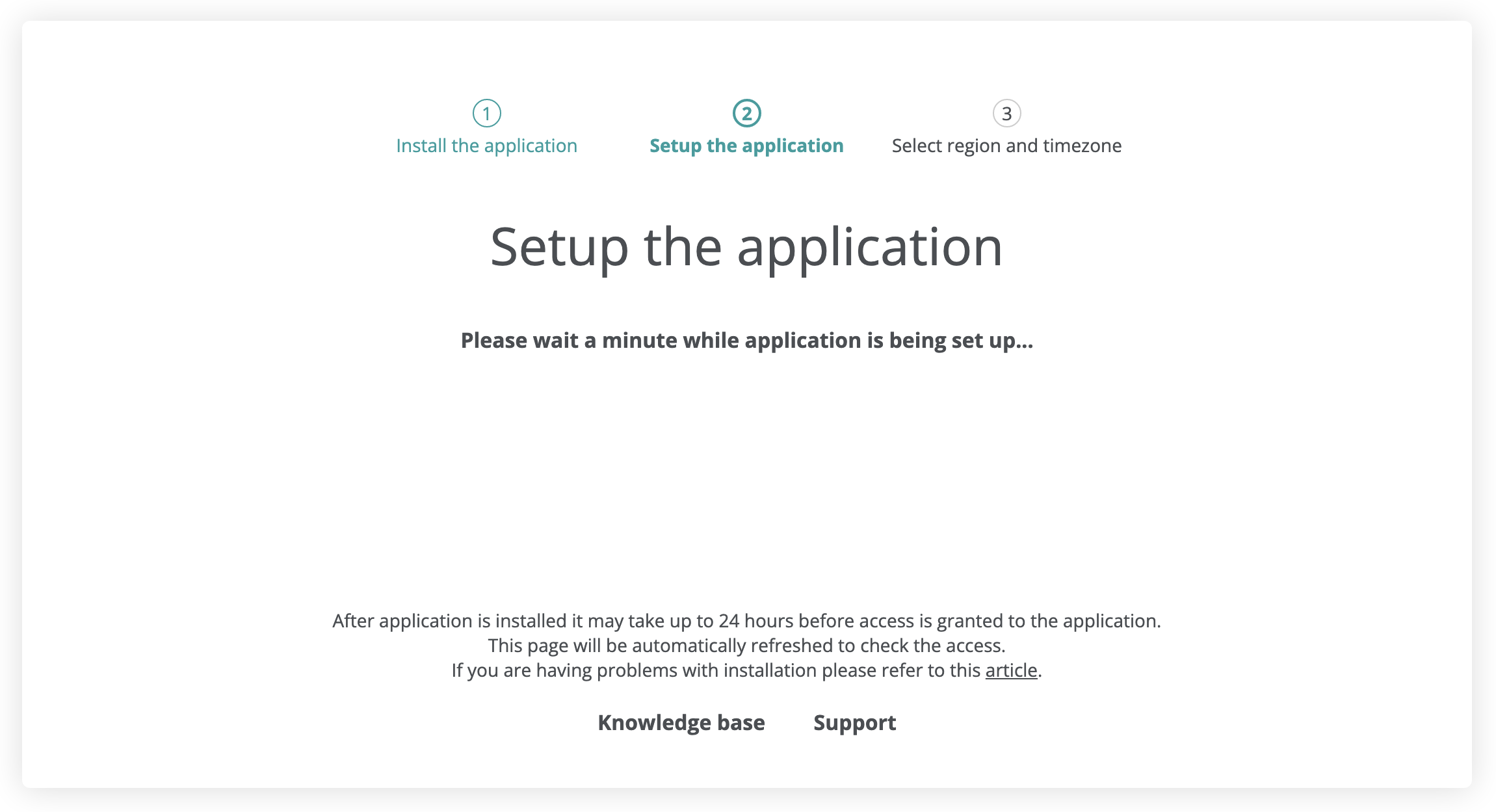
Once the role is created and the role ARN is provided, the service will check the account access, which usually takes a few seconds (in rare cases, it can take up to a few minutes due to permission propagation on the AWS side), and then suggest that you select a region and a default time zone for your tenant.
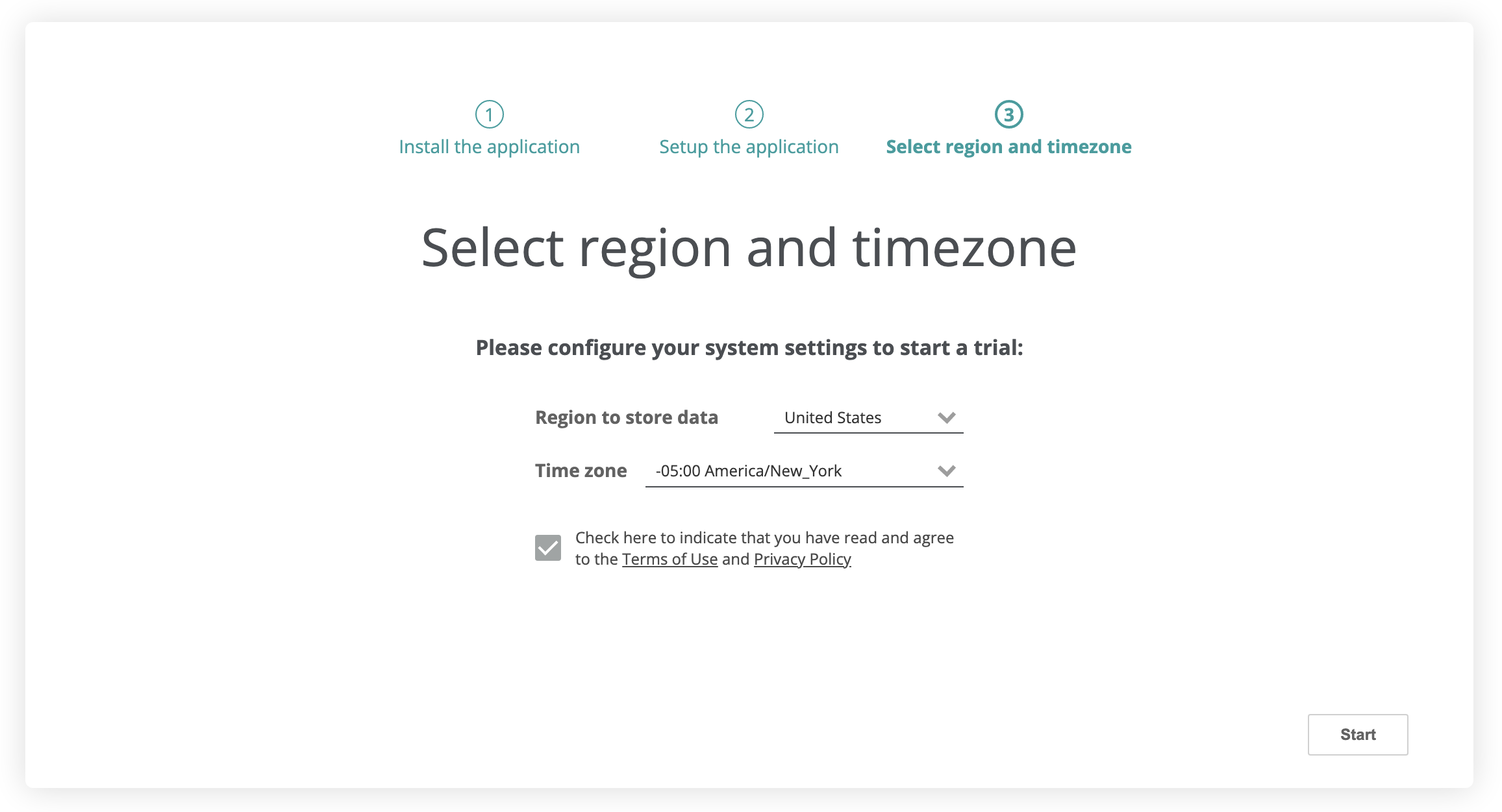
Select a region
As a final step, select the region where the tenant’s backup data will be stored and the default time zone. The following backup regions are available: the United States, Europe, the United Kingdom, Canada, and Australia. The selected time zone will be used for default backup schedule generation.
Info
You can check a tenant’s Afi region on the Service → Settings → Info tab in the Afi portal.
Info
An option to select several backup data locations for an AWS tenant is coming in the next Afi updates.
Wait for the initial AWS resource discovery
After onboarding, Afi starts an initial discovery of AWS resources. This can take up to a few minutes depending on the tenant size and the infrastructure complexity. When complete, you’ll be redirected to the Afi portal and receive an email notification that your tenant is ready. If anything goes wrong during this step, please contact the Afi Support.
Protect your data
Data protection and basic data access, search, export, and recovery scenarios are covered in our first steps guide.
How to add multiple tenants under an Afi account
Afi adopts a multi-tenant organizational and access model, allowing you to add and manage multiple tenants (AWS, Microsoft 365, Google Workspace, etc.) under a single Afi account (organization).
To add another tenant to your existing Afi account, click + Add data source in the dropdown at the top of the screen, select the tenant kind in the prompted dialog, and follow the wizard.