AWS EC2 instances
Afi provides comprehensive backup and recovery support for EC2 instances, as well as online preview for instance configuration and disk data.
Browse
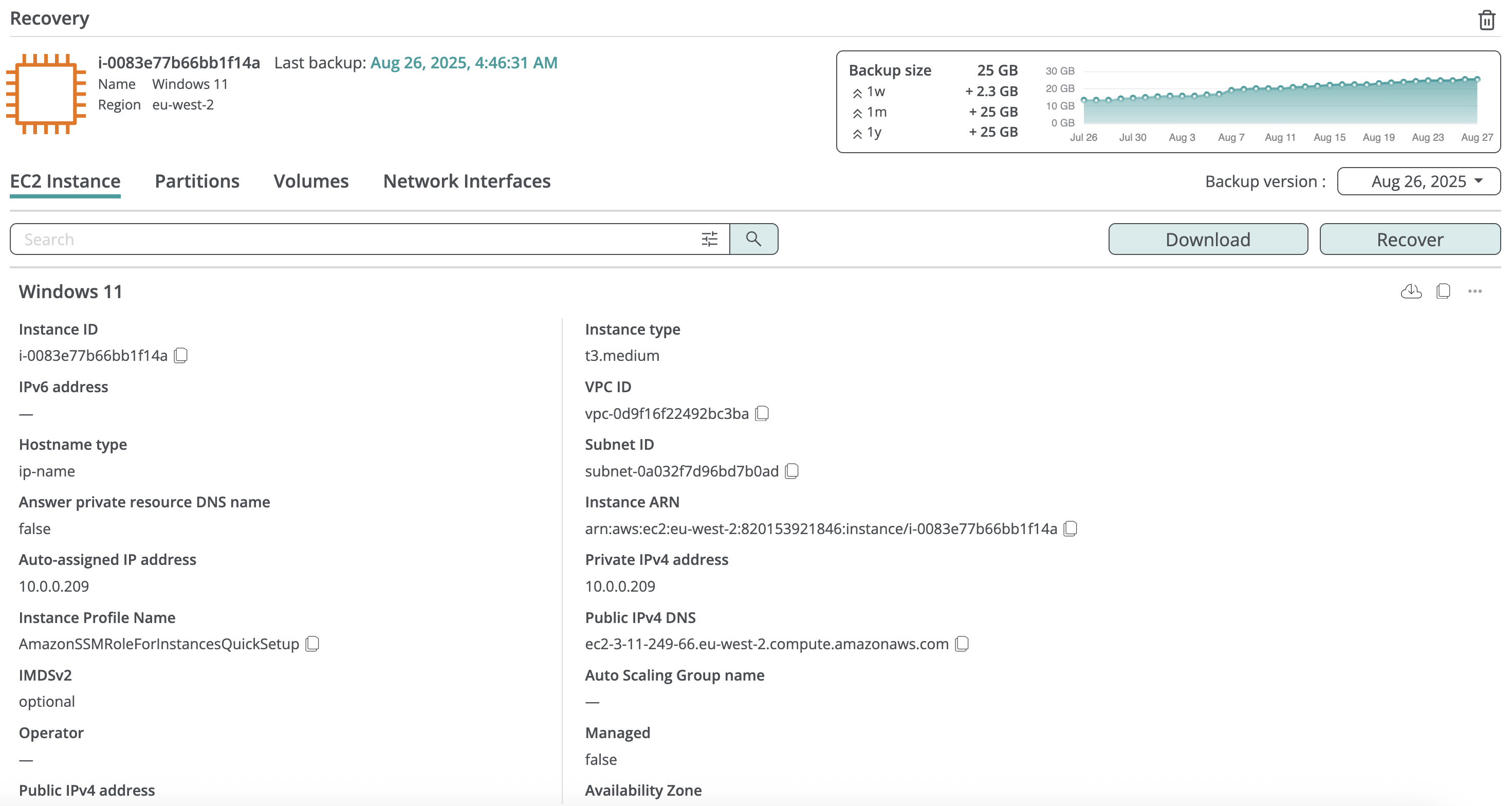
Inside the instance backup, you can browse its configuration, data volumes, and volume content.
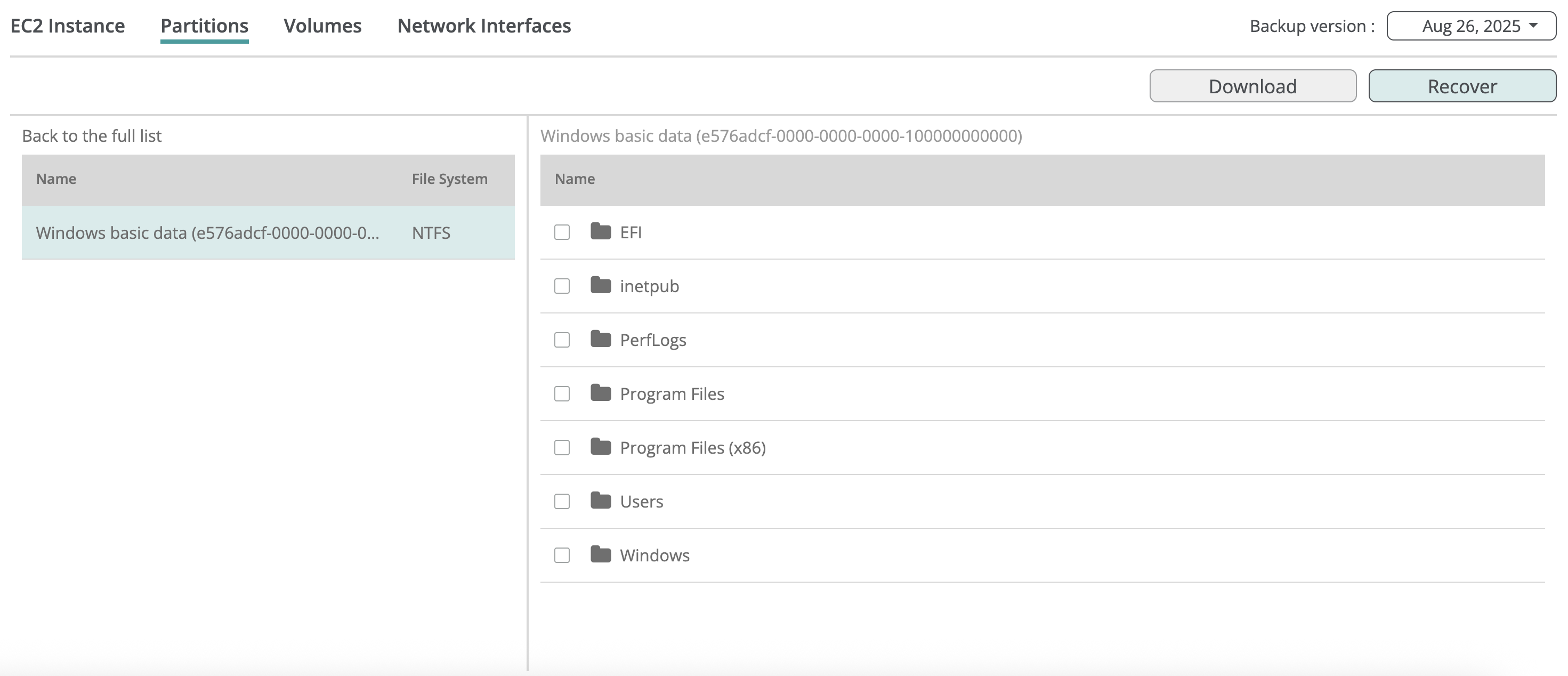
Volume content browse
Volume content browsing is supported for both static (fixed) and dynamic LVM linear partition schemes, as well as for partitions formatted with EXT4, XFS, or NTFS file systems.
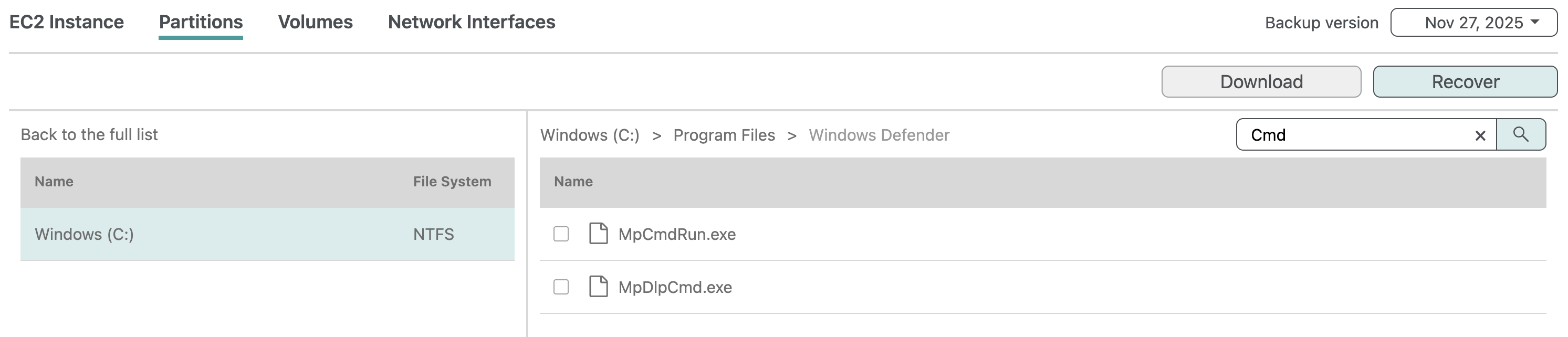
To easily locate a file or folder in a large directory, you can use the search box at the top of the file system view to filter items in the current directory (non-recursively) by a substring contained in the item name.
Export
Configuration download
You can copy or download the AWS-compatible JSON configuration for a virtual machine, as well as for its disks, network interfaces, and public IP addresses, from the backup browse view.

Data download
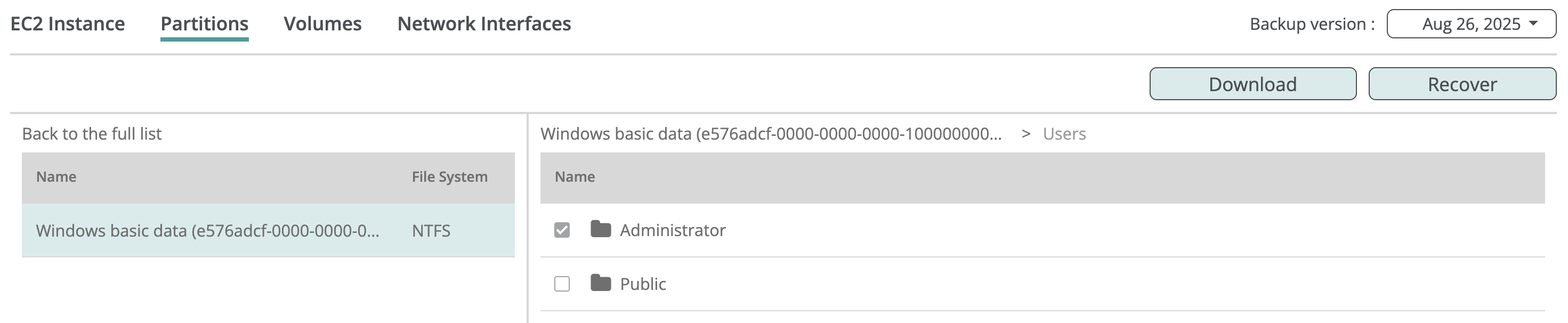
For EXT4, XFS, and NTFS volumes where content browsing is supported, you can download selected files and folders from the volume browse view. To do so, select the items and click Download:
Restrict volume content preview
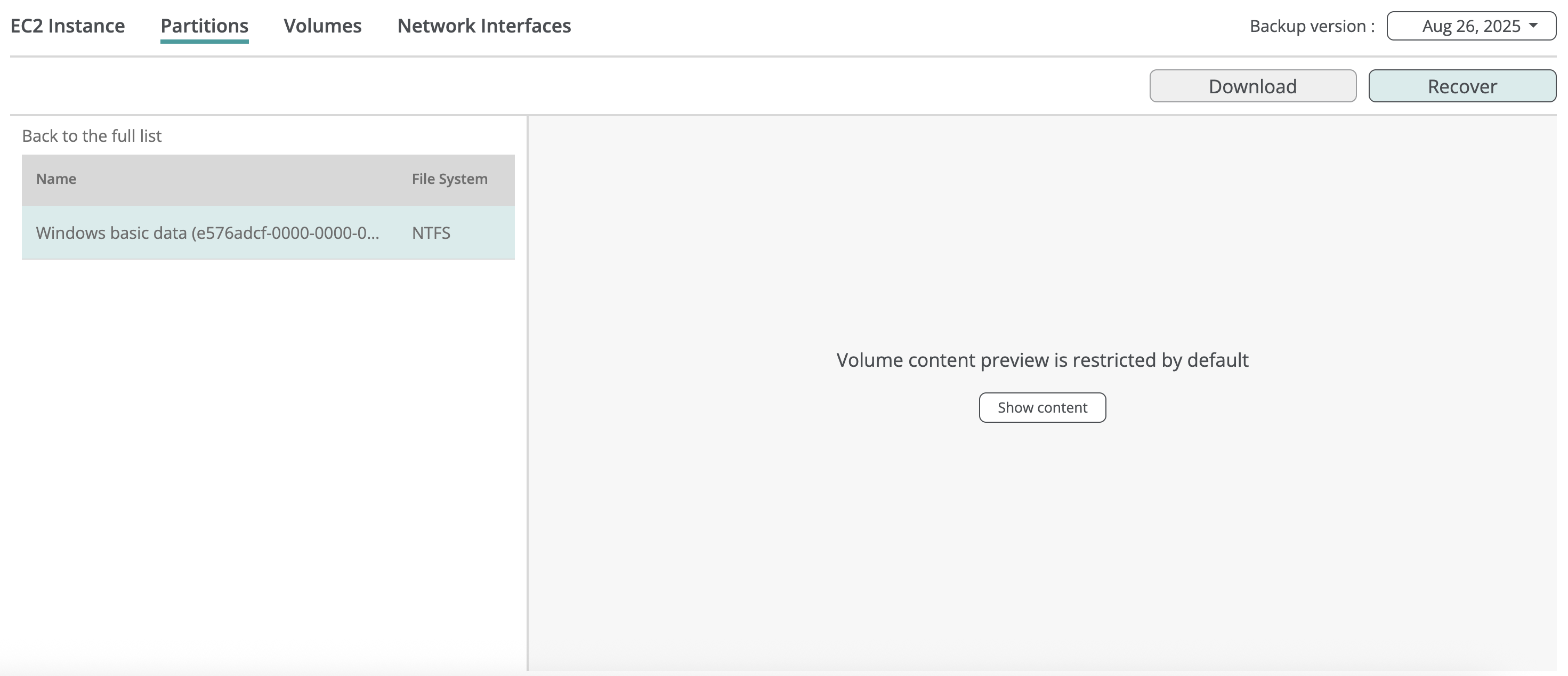
You can restrict access to volume content for service administrators or access group operators on the Service → Settings → Access groups tab by disabling the Preview content access permission. Here is an example of the partition browse view when content preview is restricted:
Recovery
You can restore a virtual machine from a backup snapshot, creating a new instance with the same or custom configuration. If the original virtual machine still exists in AWS, it will not be affected by the recovery.
Afi displays the recovery progress on the Activity → Tasks tab and notifies you via email once the recovery is complete.
Instance recovery
To restore a virtual machine:
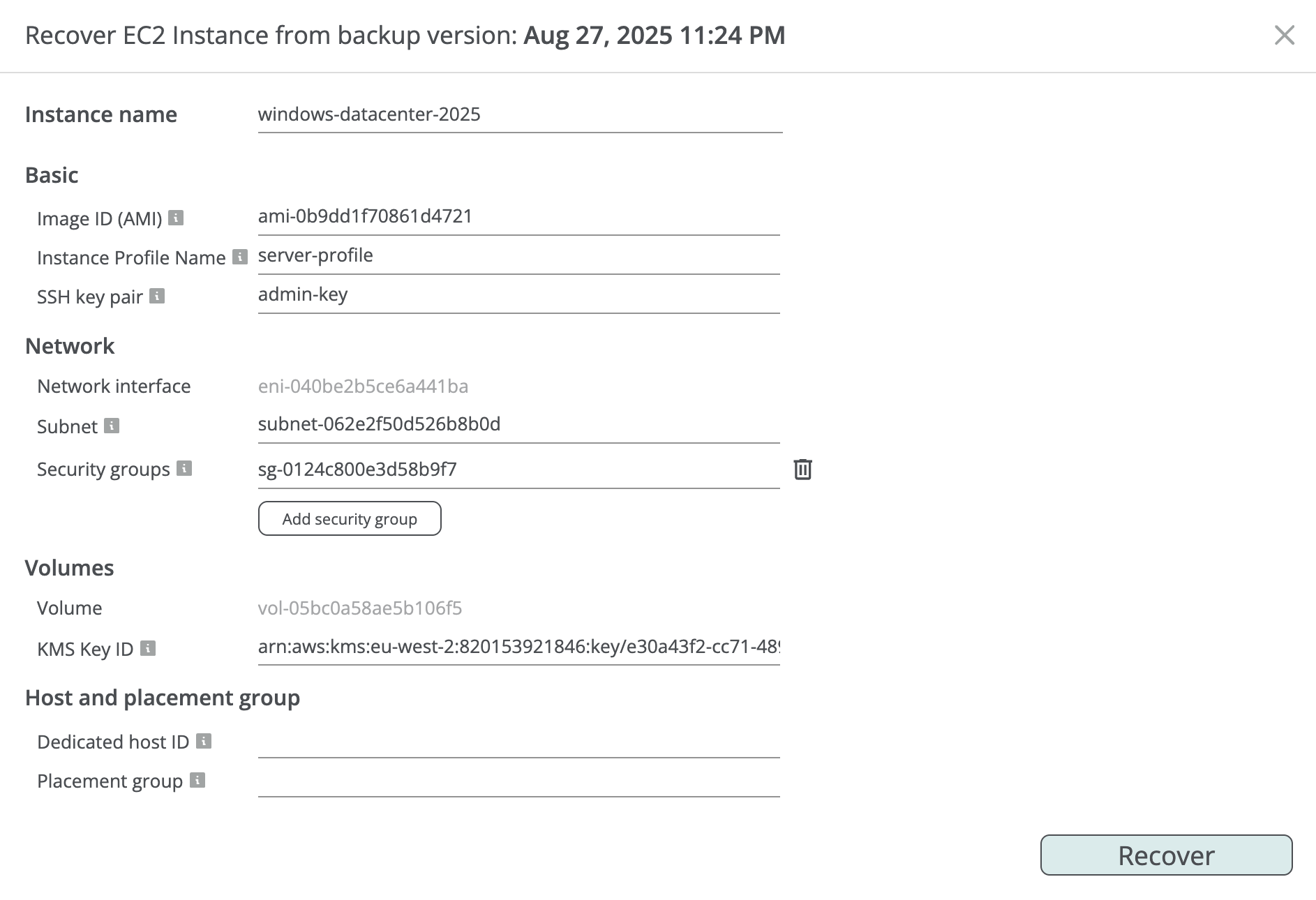
- Click Recover in the virtual machine backup browse view to open the recovery dialog.
- Enter a name for the virtual machine to be restored.
- Modify the configuration for the virtual machine if required. The following properties are available for configuration:
- Amazon Machine Image (AMI)
- Network interface subnet and security groups
- KMS key ID for each of the volumes
- (optional field) Instance profile
- (optional field) SSH key pair
- (optional field) Dedicated host ID
- (optional field) Placement group
- Click Recover to start the virtual machine recovery.