Ingesting audit events to Sumo Logic
This article explains how to create a Sumo Logic log ingestion channel for Afi audit logs.
To create a Sumo Logic endpoint for log ingestion, please go to the Data management → Collection tab in your Sumo Logic portal.
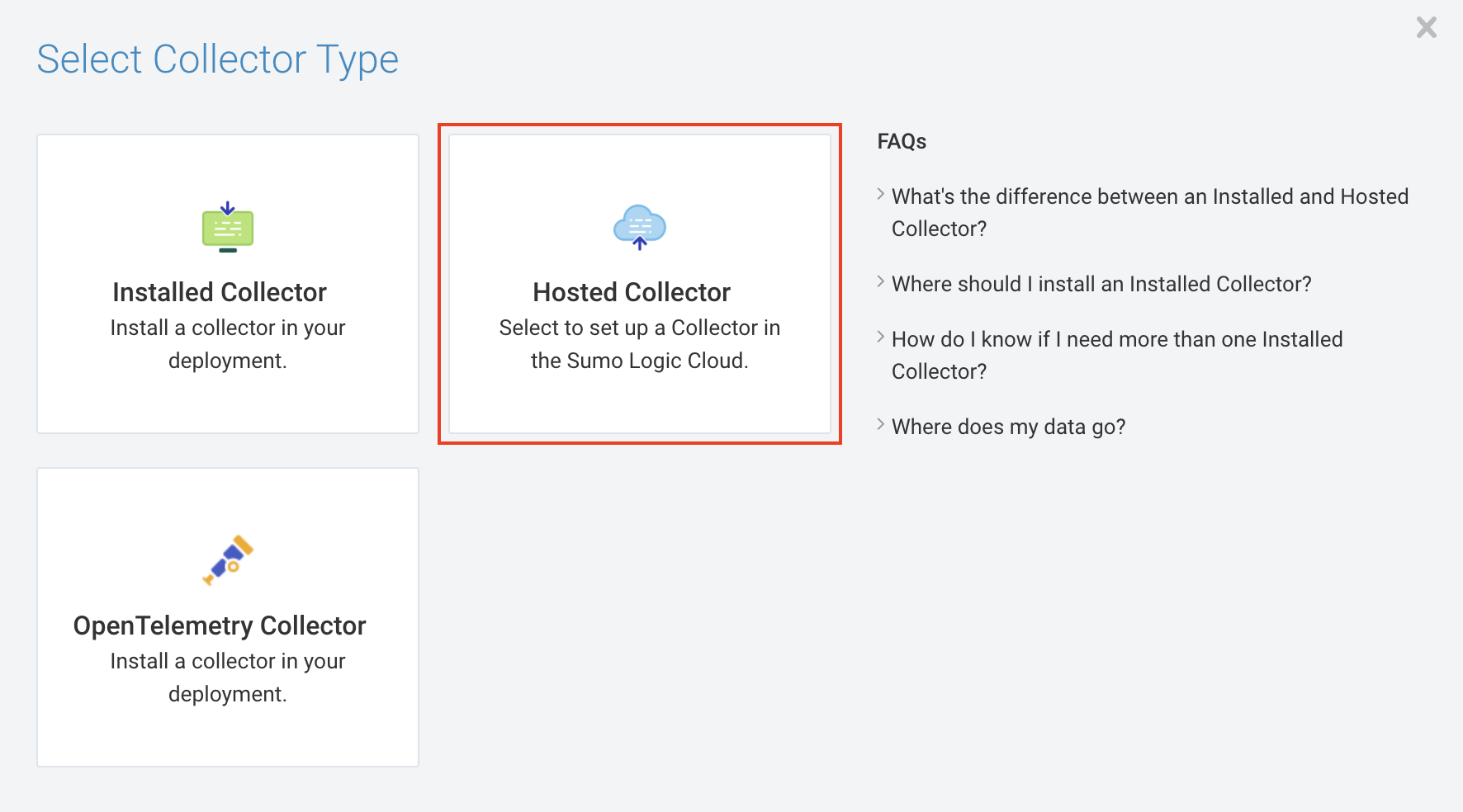
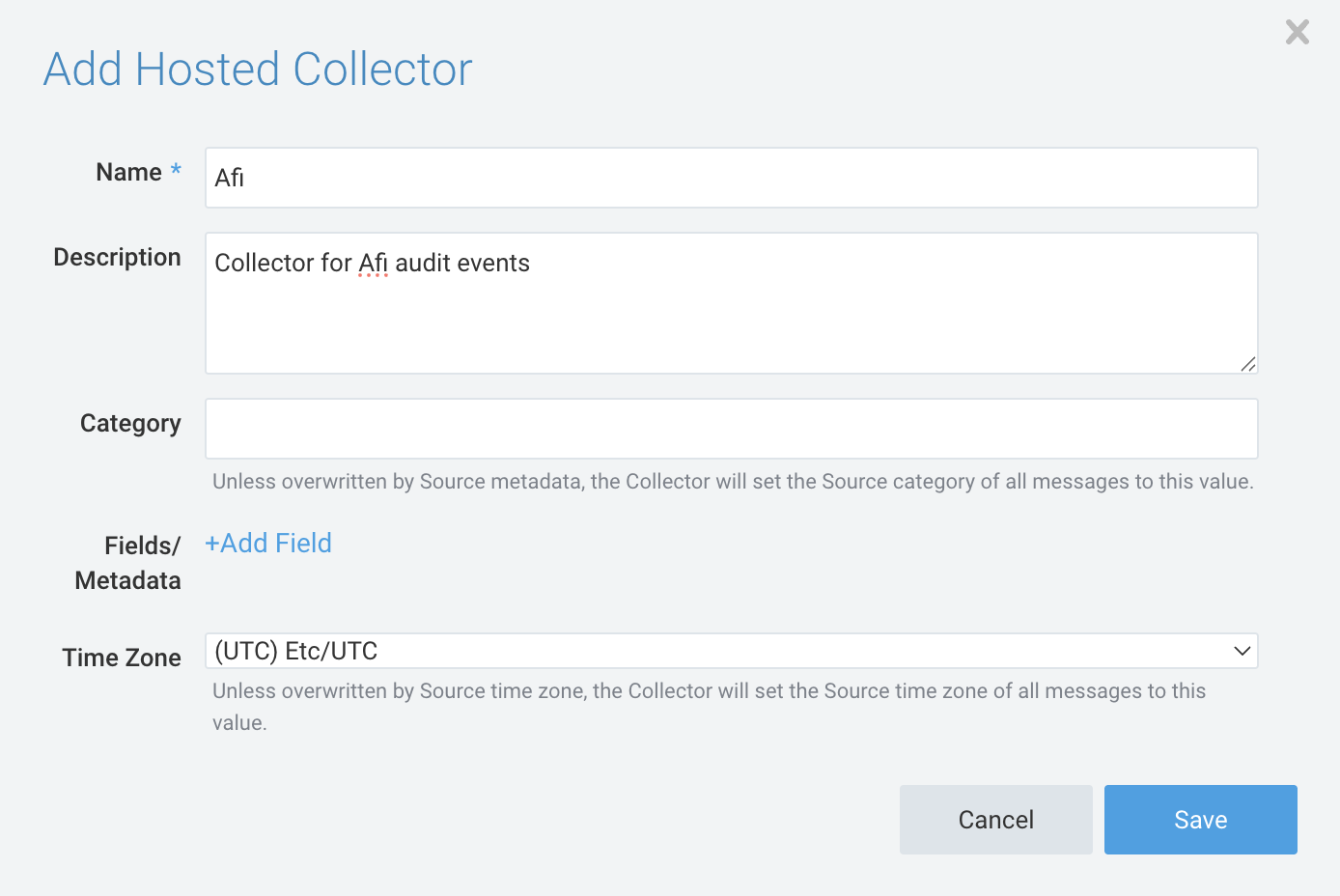
Step 1 - On the Collection tab, click on the Add Collector button, select the Hosted Collector option, specify the collector name as well as other optional parameters, and click Save.

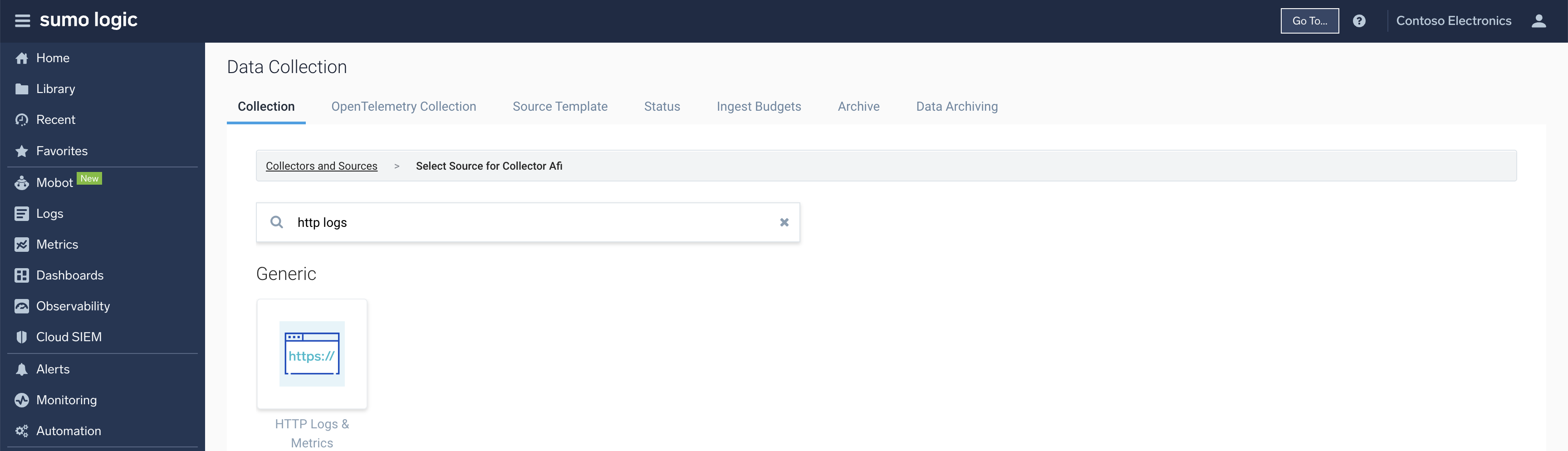
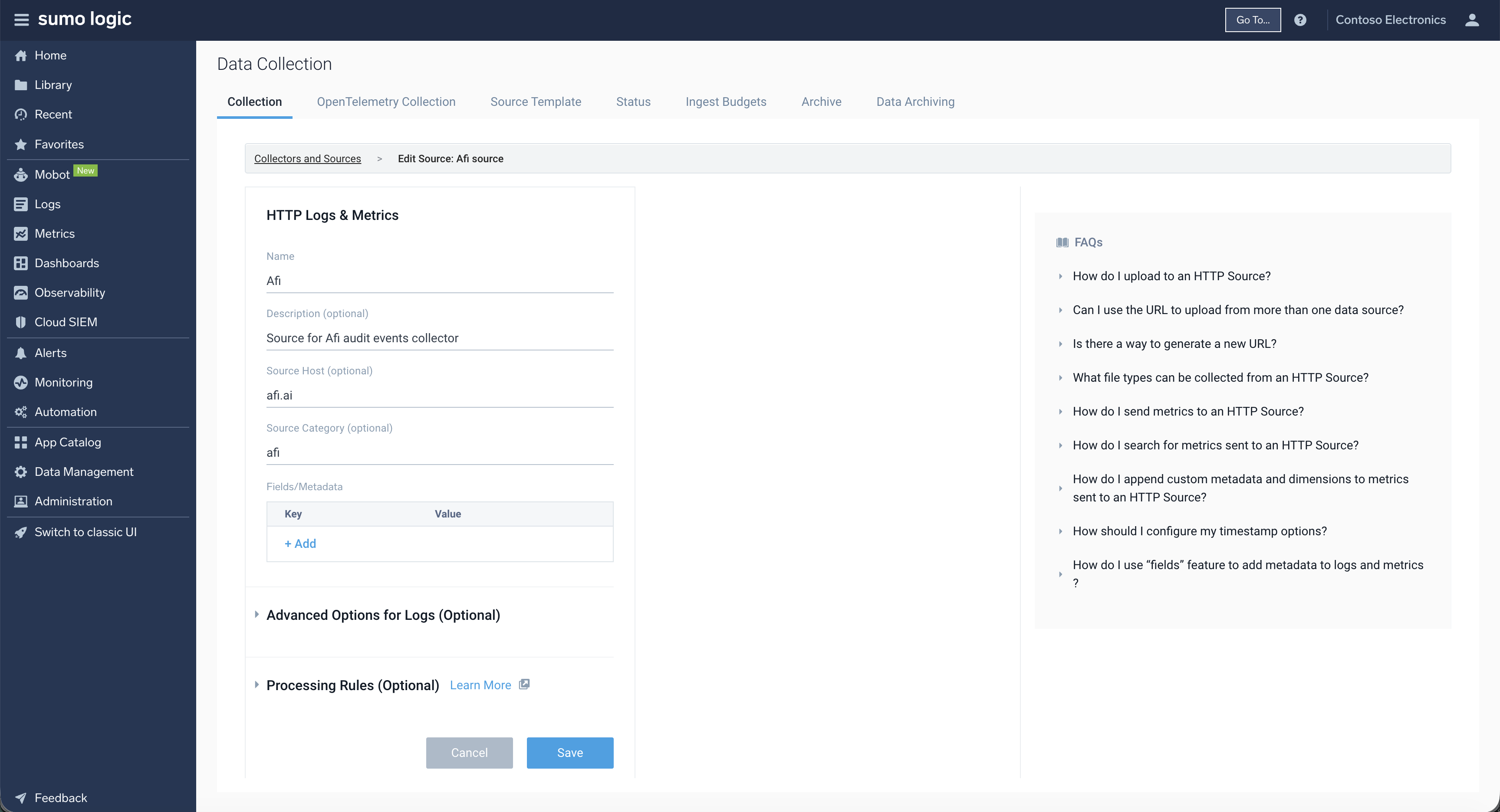
Step 2 - For the collector created in Step 1, click on the Add Source button, select the HTTP Logs & Metrics option, and specify the source name (other parameters are optional).
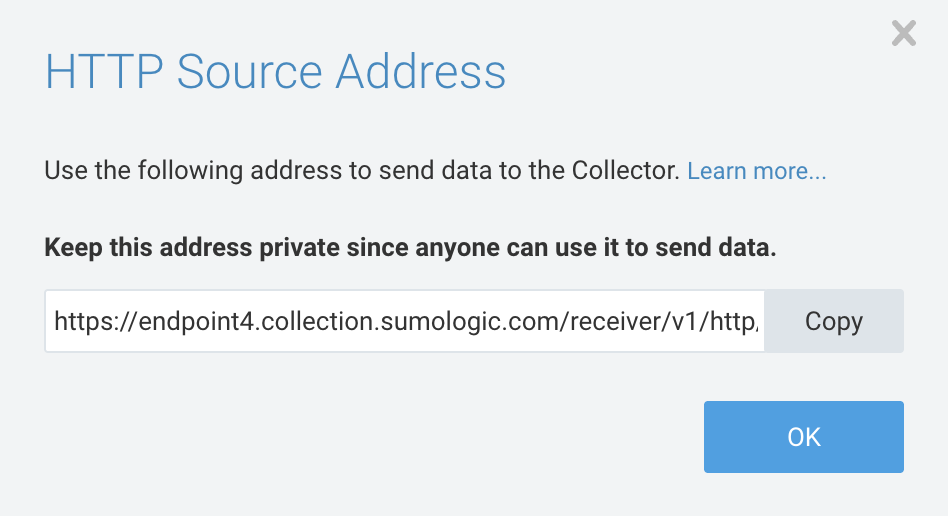
Copy the source endpoint from the dialog prompted after the source is saved:
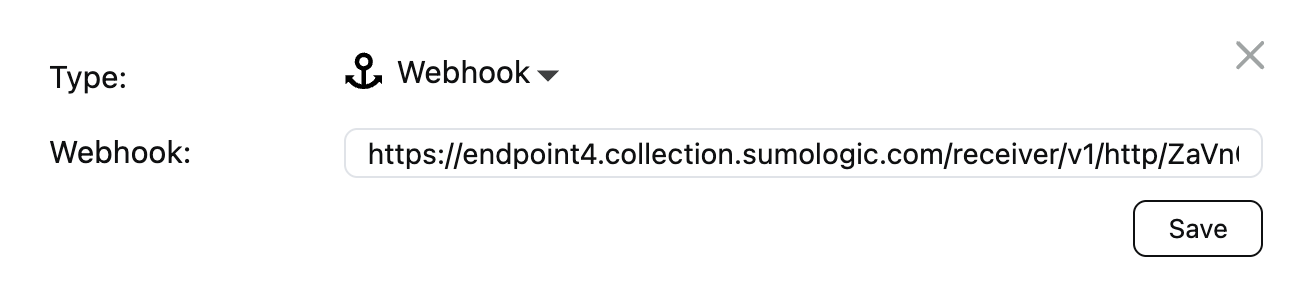
Step 3 - Create a channel on the Configuration → SIEM tab in the Afi portal with the following parameters:
- Endpoint: Webhook
- Webhook: Webhook URL from Step 2
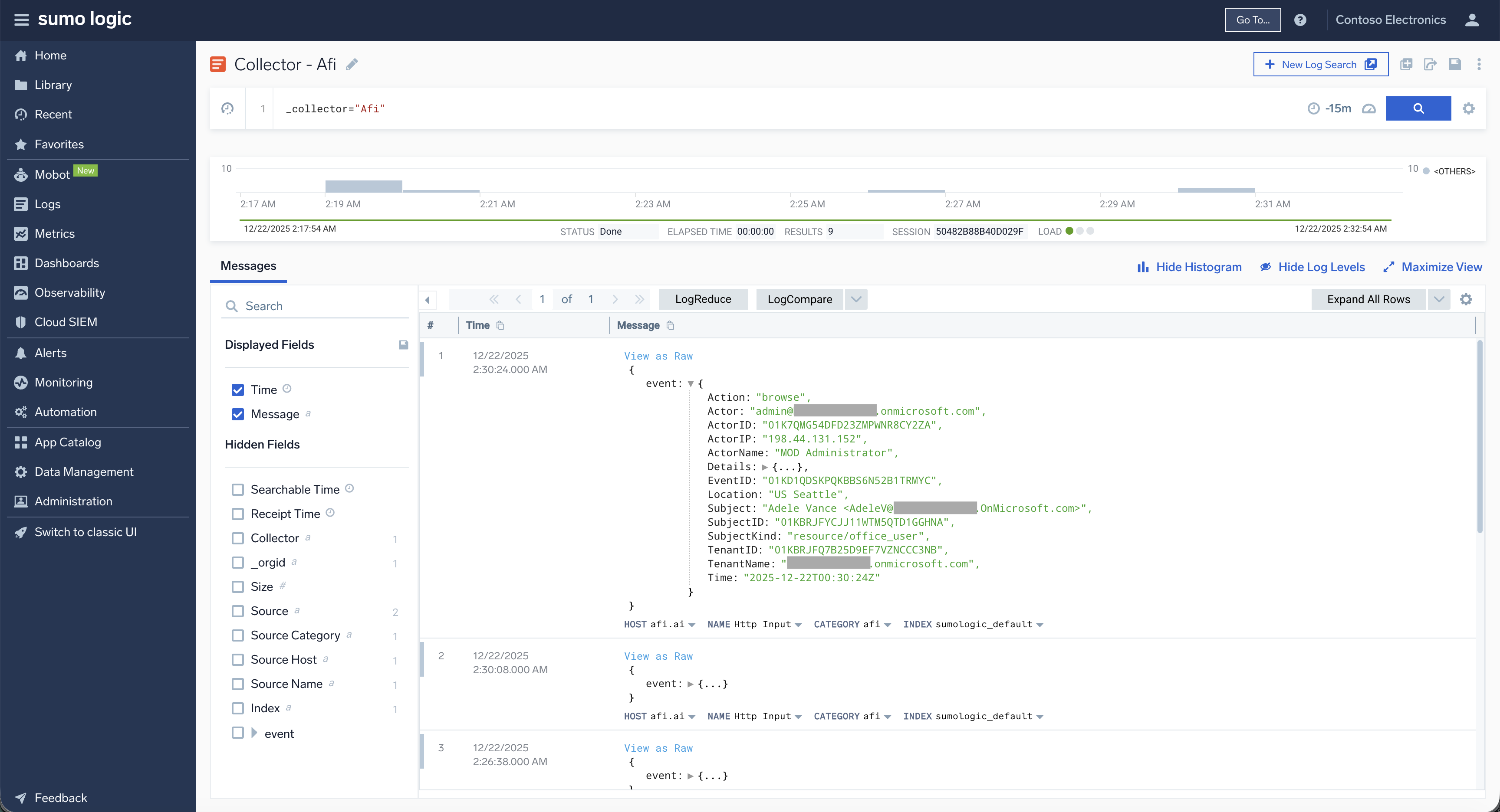
Once the log ingestion channel is created, you can view Afi audit logs sent to Sumo Logic in Logs → Log Search: